
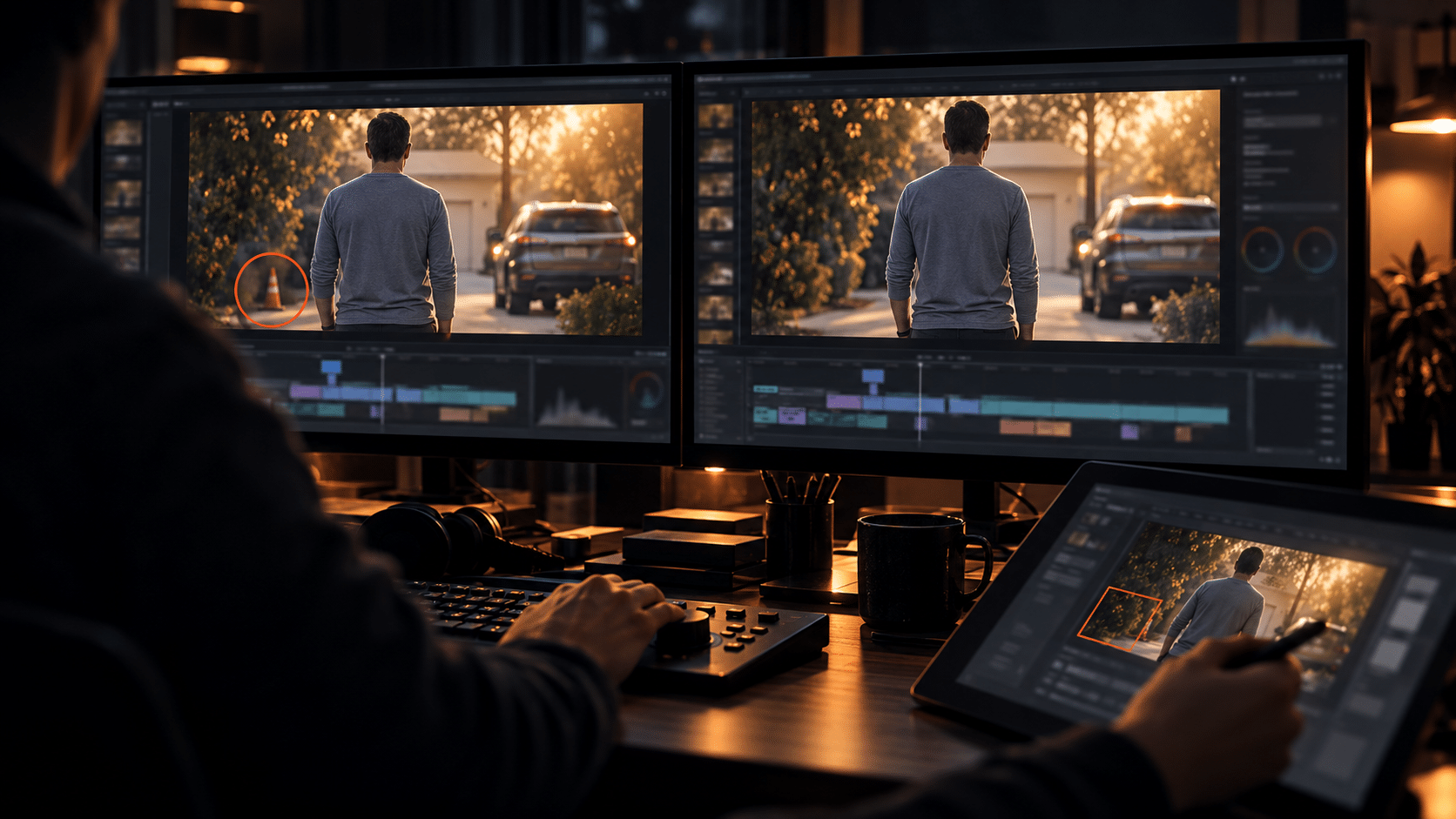
The Making of White Wolf, Part 6 of 7. Some shots are bad and need replacing. The frustrating ones are the shots that are almost perfect: the emotion, timing, and camera movement work, but a small visual detail pulls my eye every time.
Why I started editing inside a shot
Early on, another generation could sometimes solve the problem. Other times the new take lost the thing that made the original worth keeping. Once a scene has a rhythm, replacing an entire shot to correct one detail can create three new continuity problems.
That is where WAN 3.0 and WAN 3.0 Prime became useful. I use in-place video edits to ask for a narrow correction to the existing footage while trying to preserve its framing, movement, and surrounding details. The goal is simple: let the strong take remain strong and remove what makes it distracting.
Precision still needs an editor
A repaired clip has to be checked against its neighbors, not just admired by itself. I watch the cut entering it, the frames inside the fix, and the cut coming out. Does the light match? Does the motion continue? Has the corrected detail invented a new problem? If the answer is no, it goes back to the timeline. If it draws more attention than the original, it does not.
The original footage stays available while I compare options. That matters because the goal is not to use every new generation. Sometimes a small imperfection is invisible in motion, and the “fix” is the first thing an ordinary viewer would notice.
A better use for the tool
This is one of the most valuable shifts in my workflow. Generative video helped create the footage. Later, targeted generative edits helped preserve footage I had already directed and cut. It feels less like starting over and more like the kind of selective cleanup every picture edit eventually needs.
I can talk about the technique without showing the surprises in the movie. The viewer only needs to see a shot that works.
Next: the color and quality-control passes that took the first rough cut toward version five.
Previously in this series: Finding the Pulse: Scoring White Wolf with Suno v5. Start the series from Part 1.
Leave a Reply