
Every time I think I’ve reached the limit of what I can do with White Wolf, another door opens.
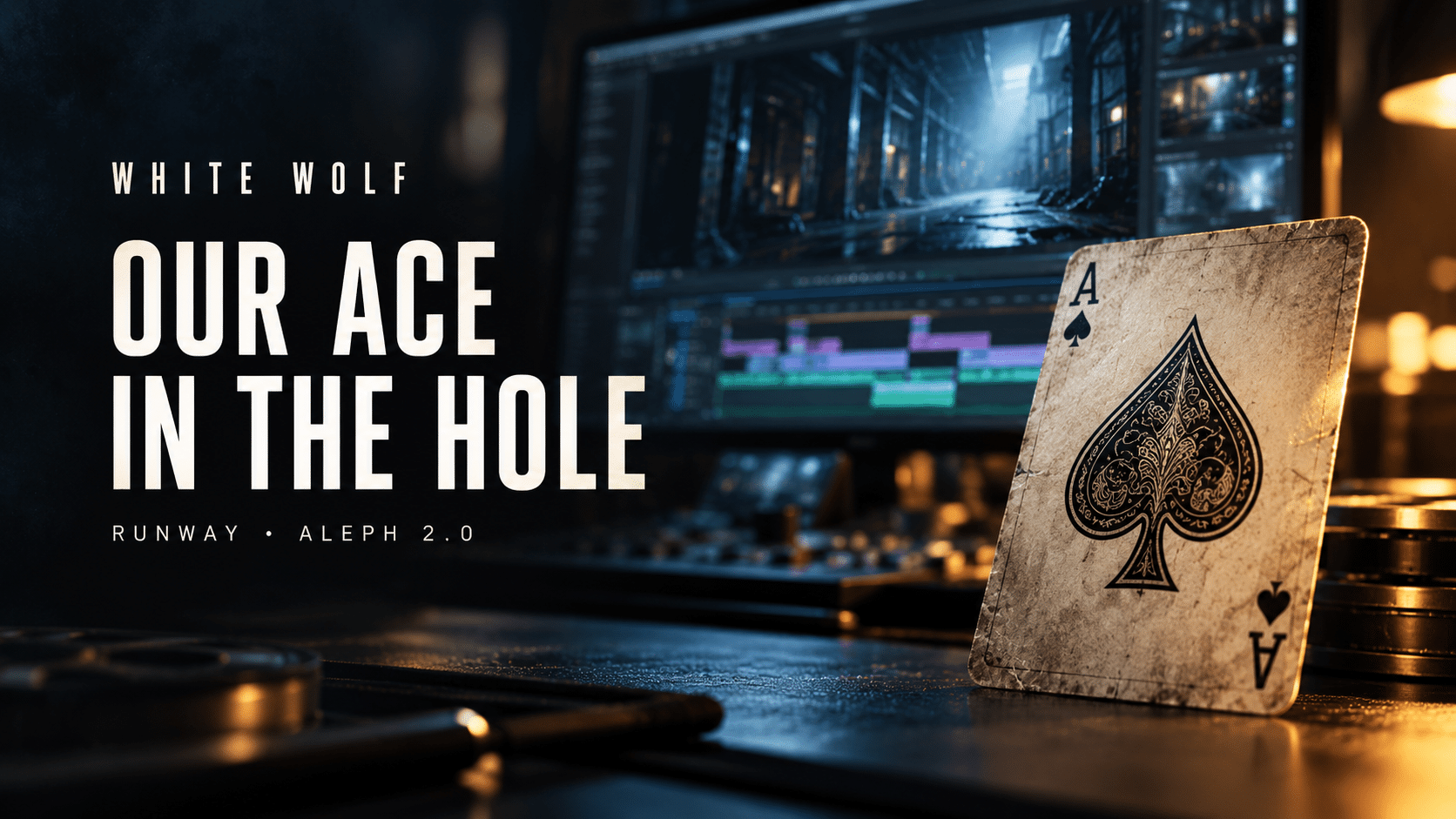
We just found our ace in the hole. It’s called Runway.
I’m already using it in the edit, and the possibilities it has opened up for this film have me fired up. The polishing I can now do could take White Wolf to a whole new level.
Runway, right inside Premiere Pro
Runway is an AI platform for generating and editing video and images. On September 8, 2026, the company launched its plugin for Adobe Premiere Pro and After Effects, bringing those tools directly into the editing environment where White Wolf comes together.
The plugin opens a Runway panel inside the editor. It provides access to video and image generation, edits to existing footage, upscaling, and background removal. Results can come straight back into the project and onto the timeline, cutting out the constant exporting, uploading, downloading, and re-importing.
That matters when you’re working through a feature film one shot at a time. Every extra step adds up, and being able to make these decisions while I’m looking at the actual edit is a big deal.
Aleph 2.0 and the details that pull you out of a scene
The tool I’m most excited about is Aleph 2.0, Runway’s model for editing existing video. It is designed to make targeted changes to footage, including removing distractions, modifying objects, and adjusting lighting while preserving the surrounding shot.
I’m using Aleph 2.0 to work on clips already in my Premiere timeline and address those minor visual details that take something away from a scene.
You know the kind of thing I mean: a background detail that catches your eye at the wrong moment, something that doesn’t quite belong, or a small visual inconsistency in a shot that otherwise works. The emotion is there. The timing is there. But that one detail keeps tugging at your attention.
Through the plugin’s Edit Studio workflow, I can select an existing clip, refine reference frames, and have Aleph re-render the footage at the same duration as the source. I can compare the result before bringing it back into the sequence. The processing happens on Runway’s servers, with the workflow managed from inside Premiere.
For White Wolf, that gives me another way to go after the shots I know can be better.
The kind of polish this film deserves
I’ve written before about fixing individual details inside a shot. This takes that part of my workflow further by putting another powerful editing tool right alongside the timeline.
When you’ve spent this much time with a film, you know its little imperfections. You notice the detail your eye keeps drifting toward. You know which moments deserve one more pass, and you keep looking for a way to make them work as well on screen as they do in your head.
Every change still has to earn its place. I’ll be watching the movement, checking continuity, and making sure a correction improves the scene when it plays alongside the shots around it.
The goal is simple: make the film more convincing, more cohesive, and easier to get lost in. Keep your attention on the family, the danger, and a father’s determination to bring everyone home.
There’s still work ahead. But I haven’t been this excited about a new addition to the workflow in a long time. The level of polish now within reach has me wanting to dive straight back into the timeline.
We just found our ace in the hole. I can’t wait for you to see what comes next.
This isn’t revenge. It’s a rescue.
Follow along here at white-wolf.site as the finishing work continues. Thank you for being part of the journey.
Leave a Reply